The 5 Best Second Monitors for Discord: Ultimate Guide
Researched Screens for Chat, Code, Design, and Mac Setups
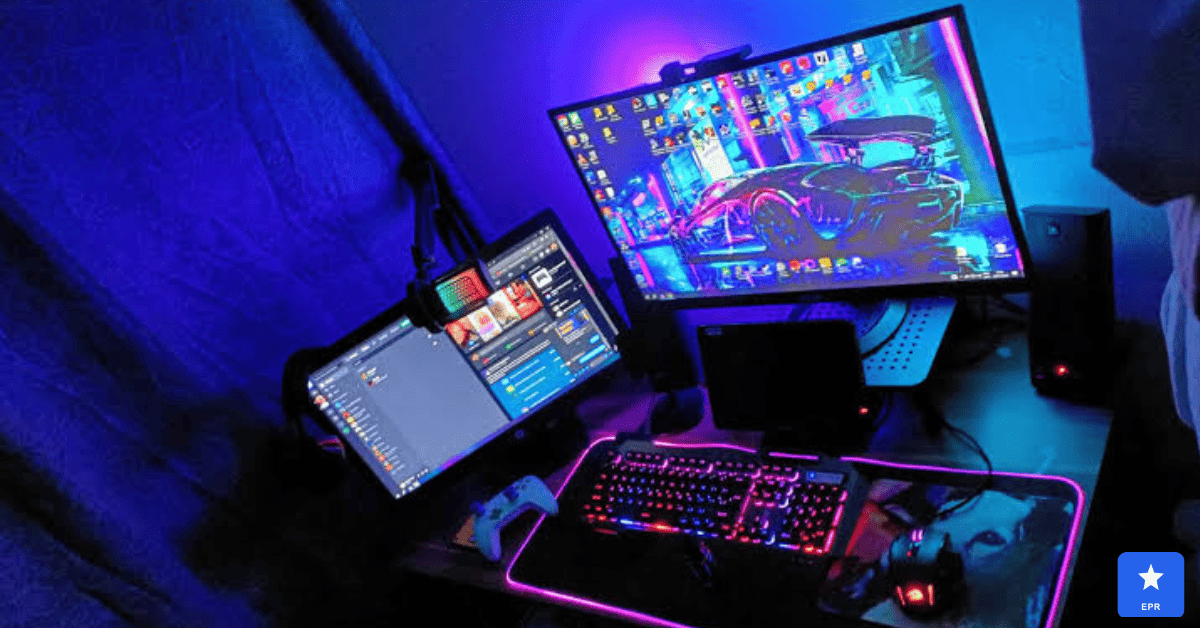
A second monitor for Discord keeps your chat, alerts, and voice channels visible without ever alt-tabbing away from your main screen. To build this guide, we researched and compared pivoting, budget, and color-accurate displays across gaming, coding, and creative setups. This guide breaks down real usability instead of confusing spec-sheet marketing.
This article is for gamers, streamers, developers, and creatives who want a well-researched recommendation before spending money. It also covers Mac-friendly and design-focused picks, since a secondary screen rarely handles just one job.
| Key Takeaways for Readers: Dell UltraSharp U2725QE = best overall pick, with full pivot support and Thunderbolt 4 docking. Dell S2725DC = best budget vertical monitor for code, with a built-in blue light filter. BenQ PD2730S = best monitor for Mac and Mac mini, thanks to pixel-perfect 5K Retina scaling. ASUS ProArt PA278CV = best for graphic design, with factory-calibrated color under $250. Alienware AW2725QF = best pick for streamers running chat beside live gameplay. Rule of thumb: prioritize pivot support and bezel thickness over raw resolution for a secondary screen. |
Who This Second Monitor Guide Is For
This guide is for gamers, streamers, and remote workers who want researched, data-backed guidance instead of marketing claims. It also helps developers and designers compare vertical and color-accurate display options.
Skip this guide if:
- You already own a spare monitor that meets your chat and multitasking needs
- You need an ultrawide single screen rather than a true dual-monitor setup
- Your desk or laptop lacks the ports to drive an additional display
Quick Verdict: Top Picks at a Glance
| Monitor | Best For | Resolution | Price |
|---|---|---|---|
| Dell UltraSharp U2725QE | Best overall second screen | 4K, 120Hz | ~$629 |
| Dell S2725DC | Best budget vertical pick | QHD, 144Hz | ~$253 |
| BenQ PD2730S | Best for Mac and Mac mini | 5K, 60Hz | ~$999 |
| ASUS ProArt PA278CV | Best for graphic design | QHD, 60Hz | ~$229 |
| Alienware AW2725QF | Best for streamers | Dual-mode 4K/1080p | Premium tier |
Quick take: If you only read one line, read this the Dell UltraSharp U2725QE delivers the best mix of pivot support and docking convenience for most secondary-screen setups this year.
1. Dell UltraSharp U2725QE — Best Second Monitor for Discord Overall
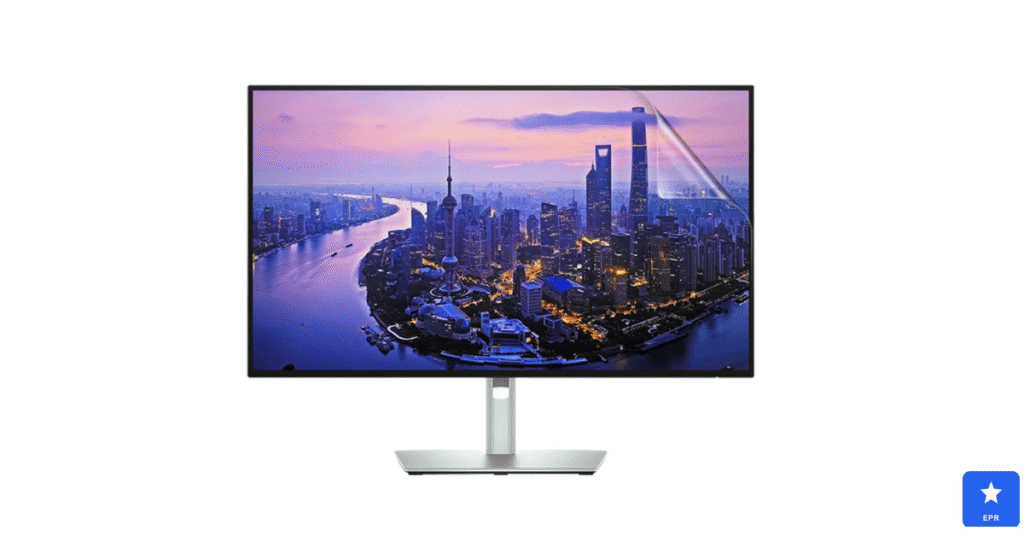
The U2725QE earned our top spot for one clear reason. Its 90-degree pivot lets you stand the screen vertically, showing far more chat history than a horizontal display ever could.
Thunderbolt 4 connectivity turned this into far more than just an extra screen. A single cable handled video, data, and charging, making it an excellent dual monitor for laptop setups that need to stay tidy.
| Dell UltraSharp U2725QE — Design & Features | |
| DESIGN | |
| Screen Size | 27-inch 4K IPS Black panel |
| Pivot Support | Full height, tilt, swivel, and 90-degree pivot |
| Ports | Thunderbolt 4, 10 USB ports total, built-in Ethernet |
| Bezels | Ultra-thin, ideal for side-by-side dual setups |
| FEATURES | |
| Resolution | 4K UHD (3840 x 2160) at up to 120Hz |
| Contrast | IPS Black panel delivers 3,000:1 contrast |
| Best For | Premium second monitor and laptop docking |
| Price | Around $629 |
Pros
- Full 90-degree pivot makes vertical chat viewing effortless
- Thunderbolt 4 with 10 USB ports replaces a separate dock
- Ultra-thin bezels look clean beside a primary display
Cons
- Premium price is high for a purely secondary screen
- 4K resolution is overkill if you only run chat apps
- Large stand base takes up noticeable desk space
2. Dell S2725DC — Best Budget Vertical Monitor for Code
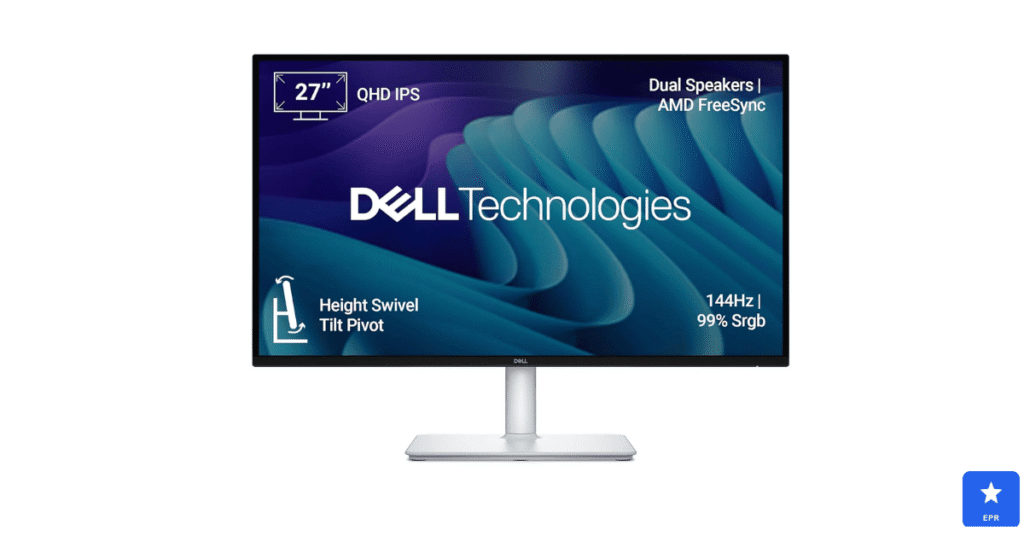
Developers wanting a vertical monitor for code without overspending kept landing on the Dell S2725DC. Rotated upright, it displayed more lines of code per screen than a standard horizontal layout.
Eye comfort matters during long sessions. The built-in blue light filter for monitor use helps reduce strain across full workdays without washing out colors.
| Dell S2725DC — Design & Features | |
| DESIGN | |
| Screen Size | 27-inch QHD panel |
| Pivot Support | Height, tilt, swivel, and pivot adjustments |
| Ports | USB-C with power delivery, HDMI, DisplayPort |
| Build | Slim silver chassis with a compact stand base |
| FEATURES | |
| Resolution | QHD (2560 x 1440) at 144Hz |
| Eye Comfort | Built-in low blue light mode for long sessions |
| Best For | Budget-friendly vertical coding and chat display |
| Price | Around $253 |
Pros
- Excellent value for a pivoting QHD secondary display
- 144Hz keeps scrolling through long files smooth
- USB-C power delivery simplifies laptop connections
Cons
- QHD resolution looks less sharp than 4K alternatives
- Built-in speakers are weak and best left unused
- Color accuracy needs calibration for professional design work
3. BenQ PD2730S — Best Monitor for Mac and Mac Mini
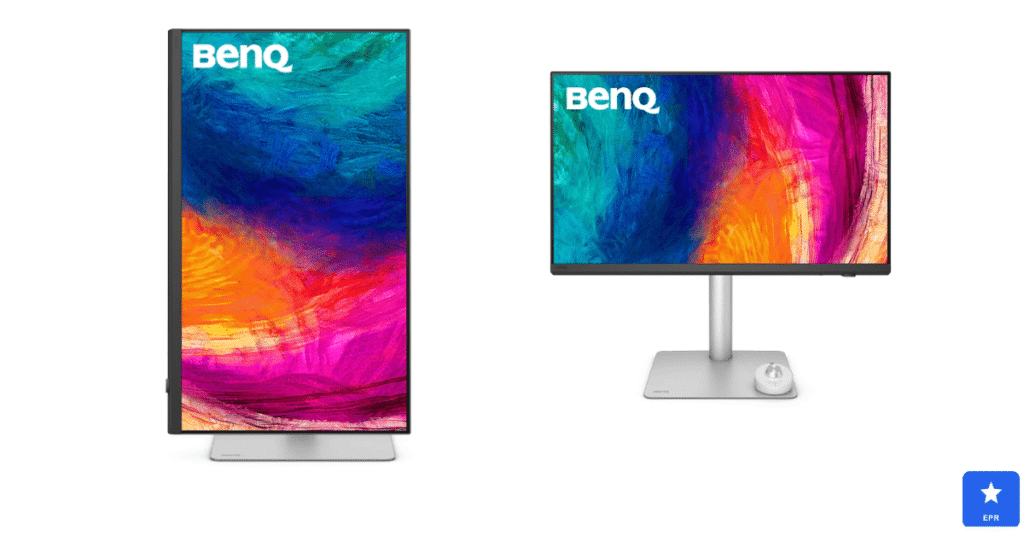
Mac owners searching for a good monitor for Mac mini setups consistently choose the BenQ PD2730S. Its 5K panel matched macOS Retina scaling perfectly, keeping text razor-sharp without any awkward blurring.
Color performance is impressive for creative work. Wide P3 coverage makes this one of the great monitors for photo editing, with exports matching what you see on screen.
| BenQ PD2730S — Design & Features | |
| DESIGN | |
| Screen Size | 27-inch 5K panel with 218 PPI density |
| Pivot Support | Fully ergonomic stand with pivot capability |
| Ports | Thunderbolt 4 with daisy-chain support |
| Build | Matte finish reduces reflections during long use |
| FEATURES | |
| Resolution | 5K (5120 x 2880) for razor-sharp macOS text |
| Color | 98% DCI-P3 coverage with 2000:1 contrast |
| Best For | Mac mini and Mac-based creative work |
| Price | Around $999 |
Pros
- 5K resolution delivers pixel-perfect macOS text clarity
- Thunderbolt 4 supports daisy-chaining a second display
- Wide P3 color coverage suits photo and design work
Cons
- Expensive compared to standard 4K secondary monitors
- 60Hz refresh rate limits its gaming appeal
- Overkill if you only need a chat and reference screen
4. ASUS ProArt PA278CV — Best Monitor for Graphic Design
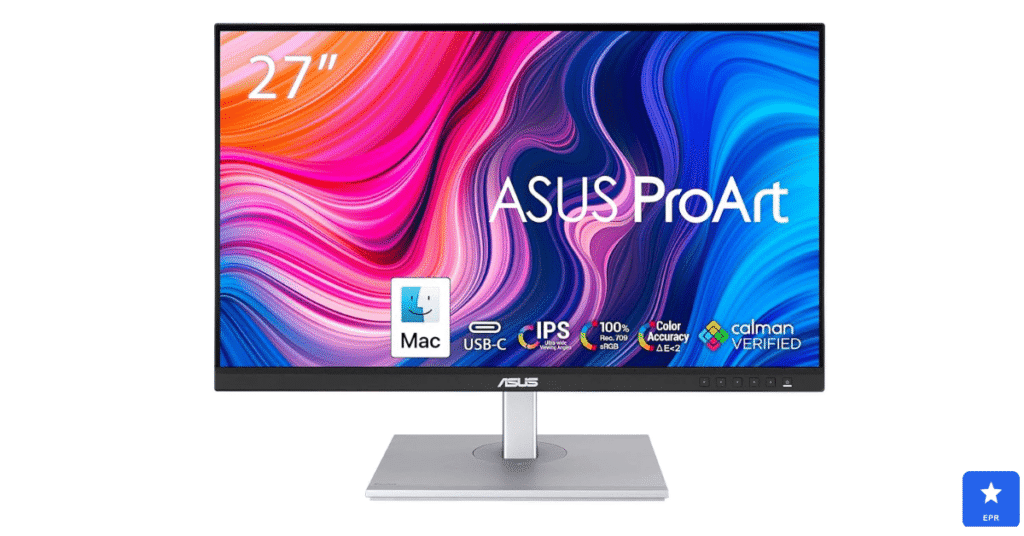
Designers debating single or dual monitor for graphic design setups found the PA278CV an easy second screen to justify. Its factory calibration meant colors matched our primary display without manual tweaking.
Pivot support made it genuinely versatile beyond design work alone. Standing it upright turned it into a capable monitor for reading long documents, PDFs, and reference material during research sessions.
| ASUS ProArt PA278CV — Design & Features | |
| DESIGN | |
| Screen Size | 27-inch QHD IPS panel |
| Pivot Support | Full pivot, tilt, swivel, and height adjustment |
| Ports | USB-C with 65W power delivery, DisplayPort, HDMI |
| Build | Slim bezels with a professional matte finish |
| FEATURES | |
| Resolution | QHD (2560 x 1440) with 1:1 macOS scaling |
| Color | Factory calibrated, 100% sRGB, Delta E under 2 |
| Best For | Graphic design and color-accurate photo editing |
| Price | Around $229 |
Pros
- Factory-calibrated color accuracy at a budget-friendly price
- Full pivot support suits both design and document reading
- USB-C power delivery keeps laptop cabling simple
Cons
- 60Hz refresh rate feels slow beside gaming displays
- QHD resolution trails 4K options for fine detail work
- Build materials feel plainer than premium competitors
5. Alienware AW2725QF — Best Second Monitor for Streamers
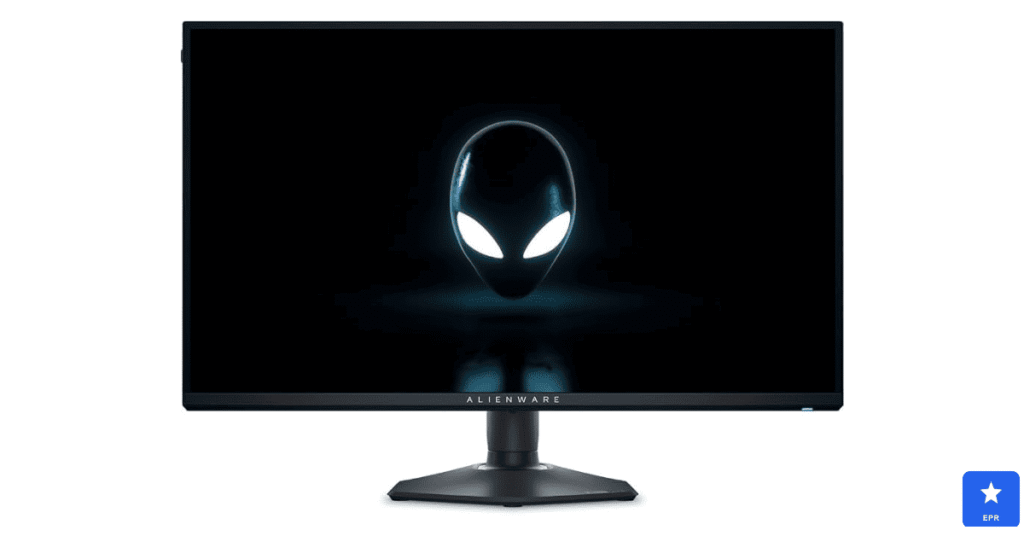
Streamers running chat alongside gameplay found the AW2725QF handled both roles impressively well. Its dual-mode panel switched between sharp 4K and high-refresh 1080p depending on what we needed.
Pivot support let us rotate it vertically for chat monitoring during live sessions. The high refresh rate also kept fast-scrolling chat feeds smooth and readable without any visible stutter.
| Alienware AW2725QF — Design & Features | |
| DESIGN | |
| Screen Size | 27-inch dual-mode gaming panel |
| Pivot Support | 90-degree pivot for vertical chat display |
| Ports | Multiple HDMI and DisplayPort inputs |
| Build | Gaming-focused chassis with RGB accents |
| FEATURES | |
| Resolution | Dual-mode 4K or 1080p high-refresh switching |
| Refresh Rate | High refresh for both gaming and smooth scrolling |
| Best For | Streamers running chat alongside gameplay |
| Price | Premium tier; check site for current pricing |
Pros
- Dual-mode panel adapts to both gaming and chat duties
- Pivot support makes vertical stream chat easy to monitor
- High refresh rate keeps fast chat feeds smooth
Cons
- Gaming-focused design looks out of place in office setups
- Premium pricing is steep for a secondary display
- RGB accents may distract during focused work sessions
Dell U2725QE vs. Dell S2725DC: Closest Competitor Comparison
- Choose the Dell U2725QE if you want 4K sharpness and Thunderbolt docking that replaces a separate hub entirely.
- Choose the Dell S2725DC if you want most of the same pivot flexibility for less than half the price.
How to Choose the Right Secondary Display
Not every setup needs the same screen. Here is what actually matters when shopping for a second monitor for Discord and related multitasking work.
- Pivot support: a 90-degree rotation shows far more chat history in a vertical orientation.
- Bezel thickness: thin bezels look cleaner and reduce the visual gap between two screens.
- Port selection: USB-C or Thunderbolt simplifies cabling and can charge a connected laptop.
- Eye comfort: low blue light modes help during long coding or reading sessions.
- Color accuracy: designers and photo editors should prioritize factory-calibrated panels.
Frequently Asked Questions
Q1: What size second monitor is best for Discord?
A 24- to 27-inch screen works well, especially when rotated vertically for longer chat history.
Q2: Should a second monitor match my main display?
Matching size and resolution looks cleanest, but a smaller secondary screen works perfectly fine.
Q3: Is a vertical monitor better for coding?
Yes, rotating a screen upright shows significantly more lines of code at once.
Q4: Can I run a dual monitor setup from a laptop?
Yes, most modern laptops support an external display through USB-C, HDMI, or Thunderbolt.
Q5: Do I need a blue light filter on a second monitor?
It helps during long sessions, reducing eye strain without significantly changing color output.
Q6: Is one large monitor better than two smaller ones?
Two screens suit multitasking better, while one ultrawide works well for immersive single-task focus.
Final Verdict
After researching pivot flexibility, connectivity, and color accuracy across five displays, the Dell UltraSharp U2725QE earned our top spot as the best second monitor for Discord this year. It balanced vertical chat viewing with genuinely useful Thunderbolt docking.
Budget-focused buyers should look closely at the Dell S2725DC, while Mac owners have a dedicated pick in the BenQ PD2730S. Designers and streamers each have strong options above tailored to their specific workflows.
Whichever monitor you choose, all five picks beat cramming chat into a corner of your main screen. Match your pick to your desk space and primary workflow, and the upgrade will feel immediate.
Prices and availability are current at the time of writing and may change. Always check the retailer’s site for the latest pricing.